
Calculator
Basic and scientific math, in your notch.
Calculator brings Apple's native macOS calculator directly into Droppy's notch and island shelf, with both Basic and Scientific views.
Free with Droppy. Open the Droplet Store to get started.
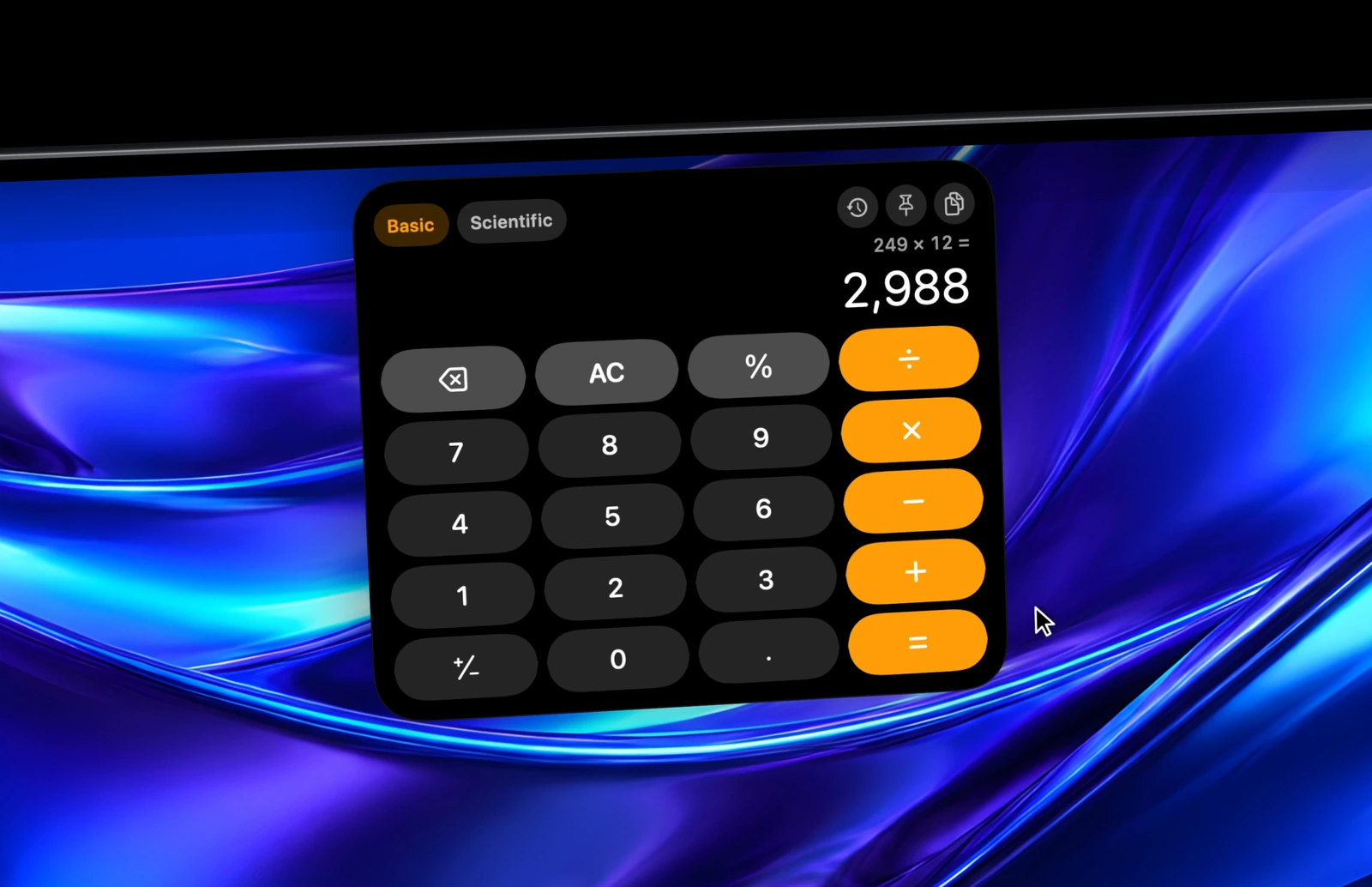
See Calculator in action.
What it does.
An Apple-style basic and scientific calculator right in Droppy's notch and island shelf, with keyboard input, live expression previews and a built-in history tape.
Switch smoothly between the classic 4x5 Basic pad and the full 10x5 Scientific pad with powers, roots, logarithms, trigonometry (DEG and RAD), hyperbolic functions, factorials, memory registers (mc, m+, m-, mr), parentheses, scientific notation (EE) and a 2nd function bank.
Type straight from your Mac keyboard with live key feedback, click the display to copy results, browse or reuse past calculations in the history tape, and customize the default view, accent color, button shape, precision and angle unit in Settings.
- Basic (4x5) and Scientific (10x5) Apple-style keypads right in your notch or island
- Full keyboard typing with live button feedback and live expression previews
- Built-in history tape with one-click copy and restore
- Adapts to notch-wrapped, Dynamic Island, OLED Camera Island and paired shelf layouts
- Customizable accent color, button shape, precision, angle unit and shelf behavior in Settings
Keep exploring.


Thunderstorm
Press Option-Space to find apps, files and settings, run snippets, convert units and move windows from one panel.
Learn more

Notes
Jot a thought down the moment it comes, right from the notch. Notes save as you type, with live Markdown.
Learn more

Shelf Widgets
Pomodoro, the weather, CPU graphs, notes and more, side by side in your notch in the order you pick.
Learn more