


This is one of the biggest Droppy updates yet. The clipboard, Shortcuts panel, capture tools and new Droplets all got serious attention, alongside the work that keeps your Mac responsive.
A clipboard you can work from
Images, text, colors and files fill their cards. Hover for paste, copy, previews and more, mark favorites, rename in place or send straight to Droppy Cloud. Editing holds steady, copy confirms before the card moves, and reopening resets the view.
Shortcuts finally have their own home
The new Shortcuts panel gathers Shelf, Basket, Clipboard, Live Activities and Droplet shortcuts into searchable sections. Native recording popovers show live keycaps, flag conflicts and save when you release the keys; clearing and resetting happen in the same place.
Ring and Emoji Picker
Ring puts capture, window placement, playback and other actions around your pointer. Build single, dual or triple layouts with apps, macOS Shortcuts and app-specific keyboard macros. Emoji Picker now has its own Droplet, with recent emoji, skin tones and adjustable placement.
Capture, edit and keep it nearby
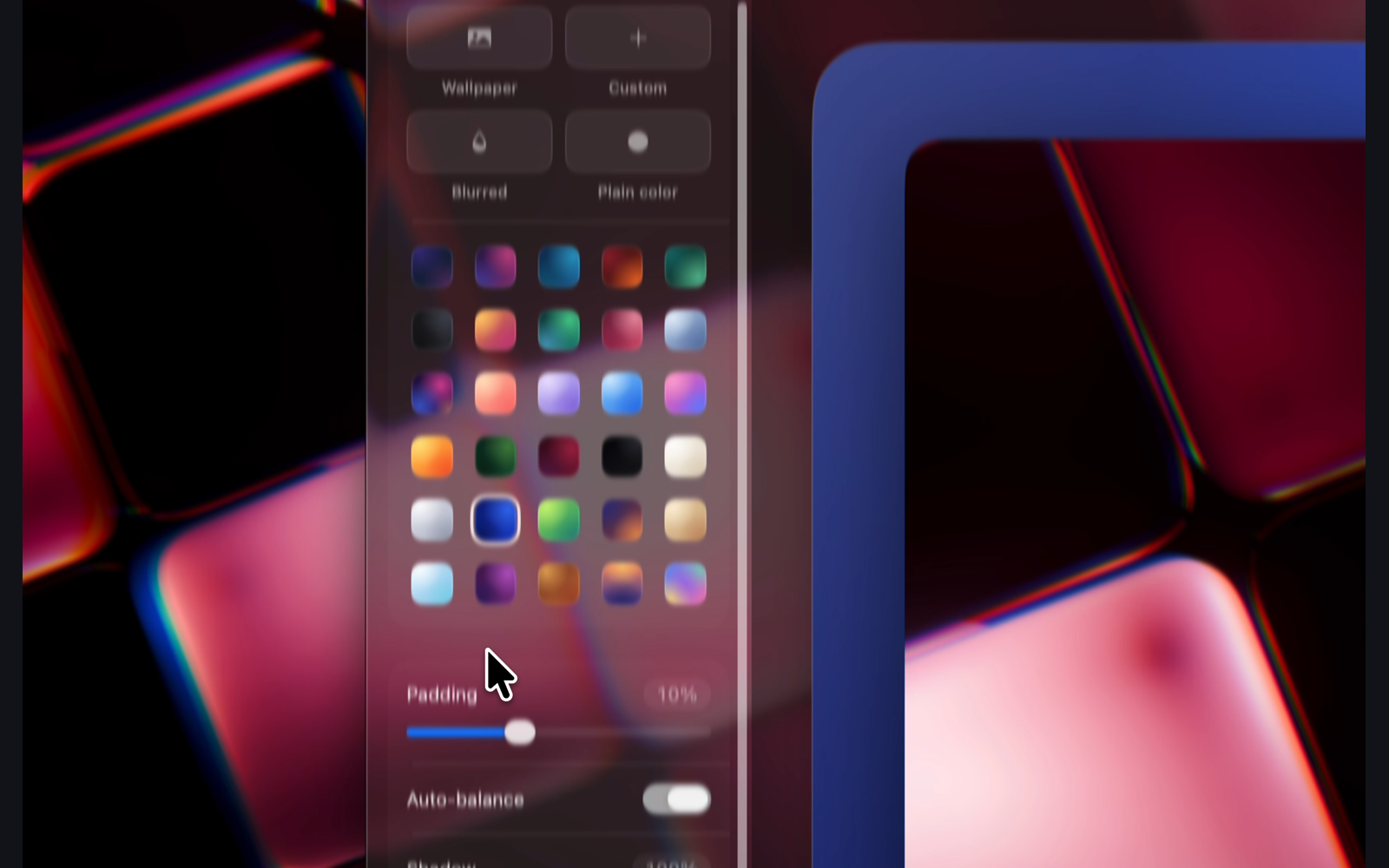
Screenshots, copied text and picked colors share a bottom-left preview stack: swipe away, tuck it down or reveal its actions. Pins resize and lock; editor shapes get clear outlines and corner grips, with thirty gradients, wallpaper tones and saved backgrounds. Capture targeting and stack gestures were corrected too.
Less work behind the scenes
Clipboard changes no longer copy an entire history backup each time. Image and PDF previews decode within bounds, dismissed content releases memory, and hidden widgets, lyrics, camera consumers and silent audio stop unnecessary work. These are specific resource fixes; I am not putting an unmeasured percentage on them.
Your Mac and iPhone, connected
Encrypted live updates and a direct connection on your local network make changes arrive without waiting for the next poll. Optional two-way Shelf and Basket sync keeps files together, with colored markers showing which basket they belong to.
Music and everyday fixes
Track swipes stretch with your fingers and show the skip before release. Artwork, timeline position, hover controls and interrupted transitions got fixes. Folder and ZIP creation now goes straight into a focused native rename form, and selection saves preserve the chosen files.
More across Droppy
Five further additions cover stacked notification replies, dictation statistics, a preferred music app, numbered Thunderstorm results and four languages. Ten more fixes cover pairing, sync, file safety, messaging and input; seven refinements reduce work in search, menus, Notes, OCR, notifications, settings search and recordings.