


Beta 4 is the biggest beta of the 14.2 line. Two new droplets landed: Converter and LocalSend, and both do their work on your Mac with nothing sent to a website in between.
Underneath them sit eleven days of bug hunting across more than a thousand commits, so this build closes more reports than any Droppy update before it.
Convert files without leaving the notch
Drop a video on Convert and it becomes M4A, MP3, WAV, FLAC, AIFF or ALAC. PDFs turn into JPEG, PNG or WebP pages, and PowerPoint, Word and Excel files turn into PDFs through the same renderer macOS uses for Finder previews.
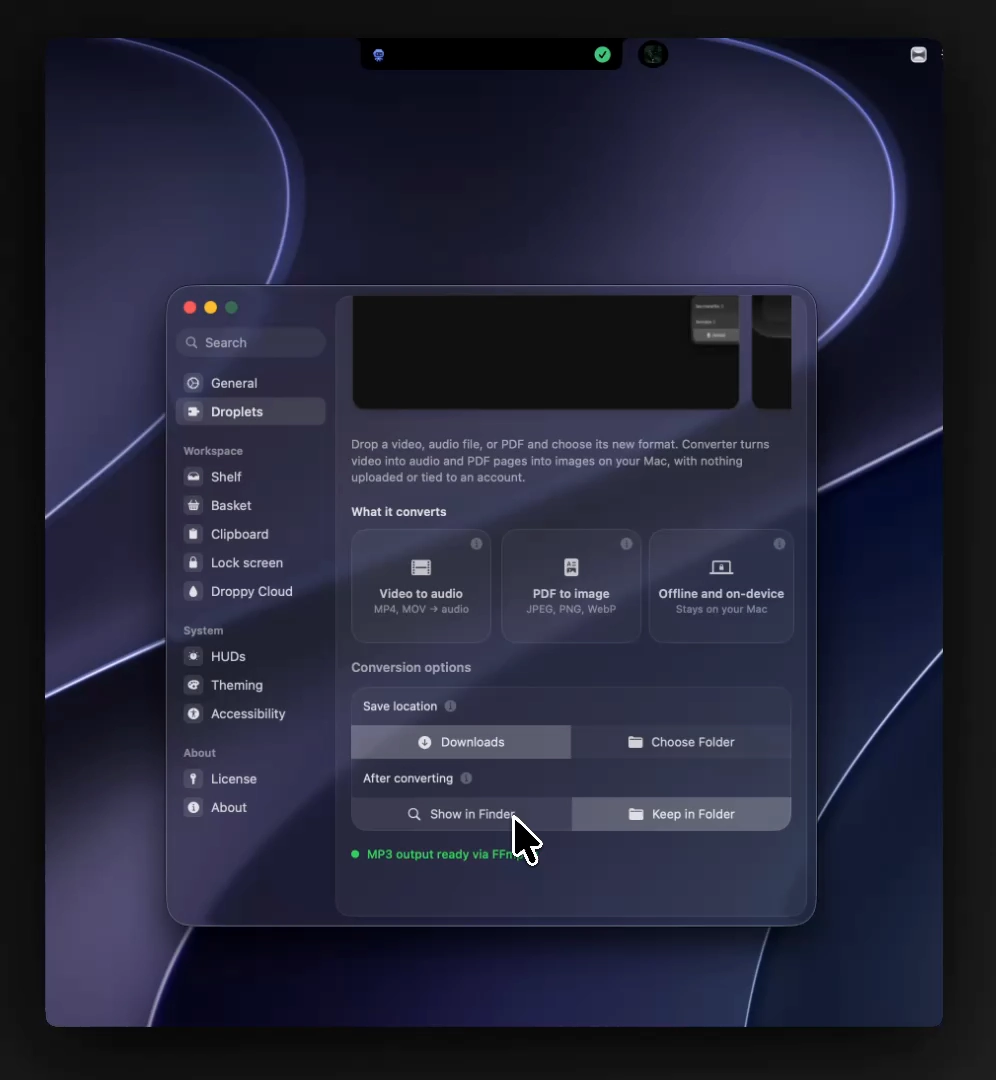
The droplet ships on by default, keeps its choices to one small options card, and runs every job in the background so the rest of Droppy stays responsive.
Send files to any device
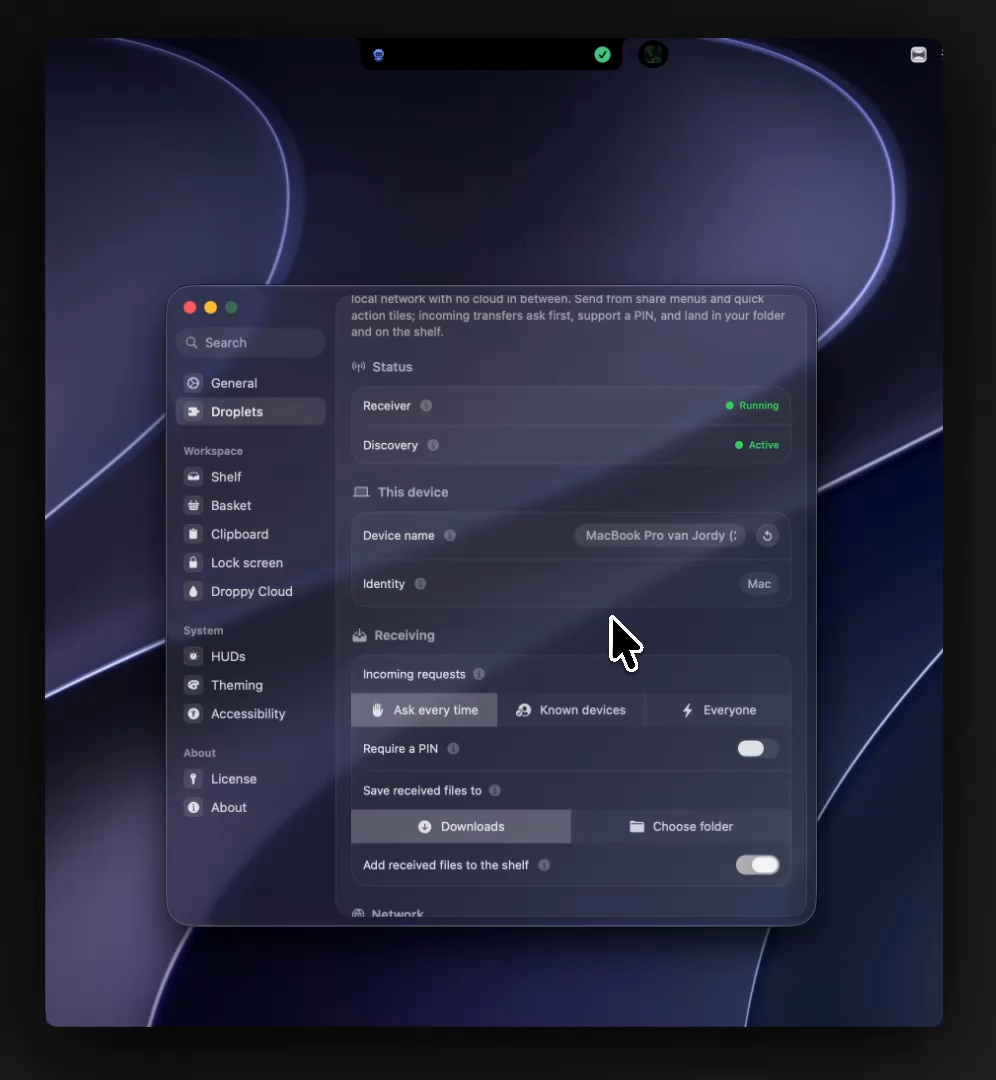
LocalSend replaces AirDrop in mixed households. Your Mac talks directly to any phone, tablet or PC running the free LocalSend app on your network, with accept prompts, per-file sizes, an optional PIN, and a save folder you choose.
Notifications calm down
Notch banners now stay quiet while a macOS Focus mode is on, and everything still lands in the Notifications widget for later. An app filter lives right in the widget, and a reply can clear its message from the notch the moment it sends.
The Agents widget also follows chats you drive inside the Cursor app, shows which file you are reading in a small focus strip, and lets Clawd, the Codex pet and the Cursor grid walk the mini HUD while they work.
The bug purge
The one I most wanted gone: on some Macs the Notes editor would beep at every key and type nothing, because macOS refused it an input session. That root cause is fixed, and stray keystrokes are rescued instead of dropped.
Right-clicking to hide the notch plays the proper hide animation again instead of a sideways fade. Cmd-Q always quits now, and a fresh build takes over a leftover old Droppy instead of letting it swallow your clicks.
Updating finally works from standard macOS accounts through the native administrator prompt. Behind these sit hundreds of smaller fixes, including a sweep of rare macOS 27 crashes reported from the field.
Faster and smoother
Thunderstorm stopped rescanning every installed app each time any app launched or quit, which was quietly costing power all day. Launch got quicker too, because settings are no longer read twice on the way up.
Clipboard file previews draw their icons off the main thread, the volume HUD's speaker morphs into mute instead of popping, and a couple hundred other behaviors got the same kind of attention.