


Beta 2 was barely out when two reports arrived that I could not reproduce here. Notes could open to a black editor, and the License page could crash while drawing your Mac.
Both block something people should be able to trust, so beta 3 does nothing else. There is a third fix for a Shelf width report from Regular Buttons mode.
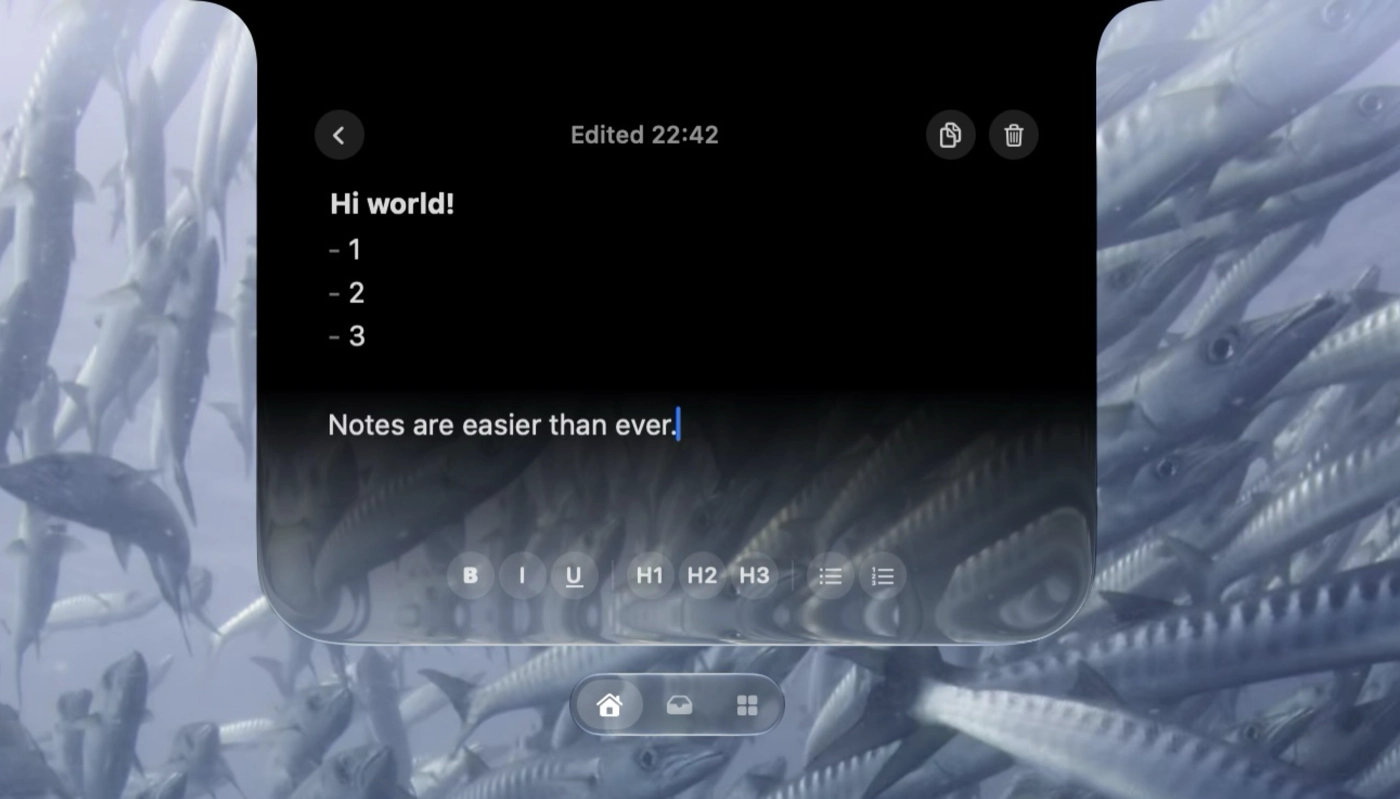
Notes opens with your text in it
The note was never gone. The editor was being built before the Shelf gave it a size or a window, which on some Macs left black text and an invisible caret on a black background. It restores the saved text as soon as the note is selected now.
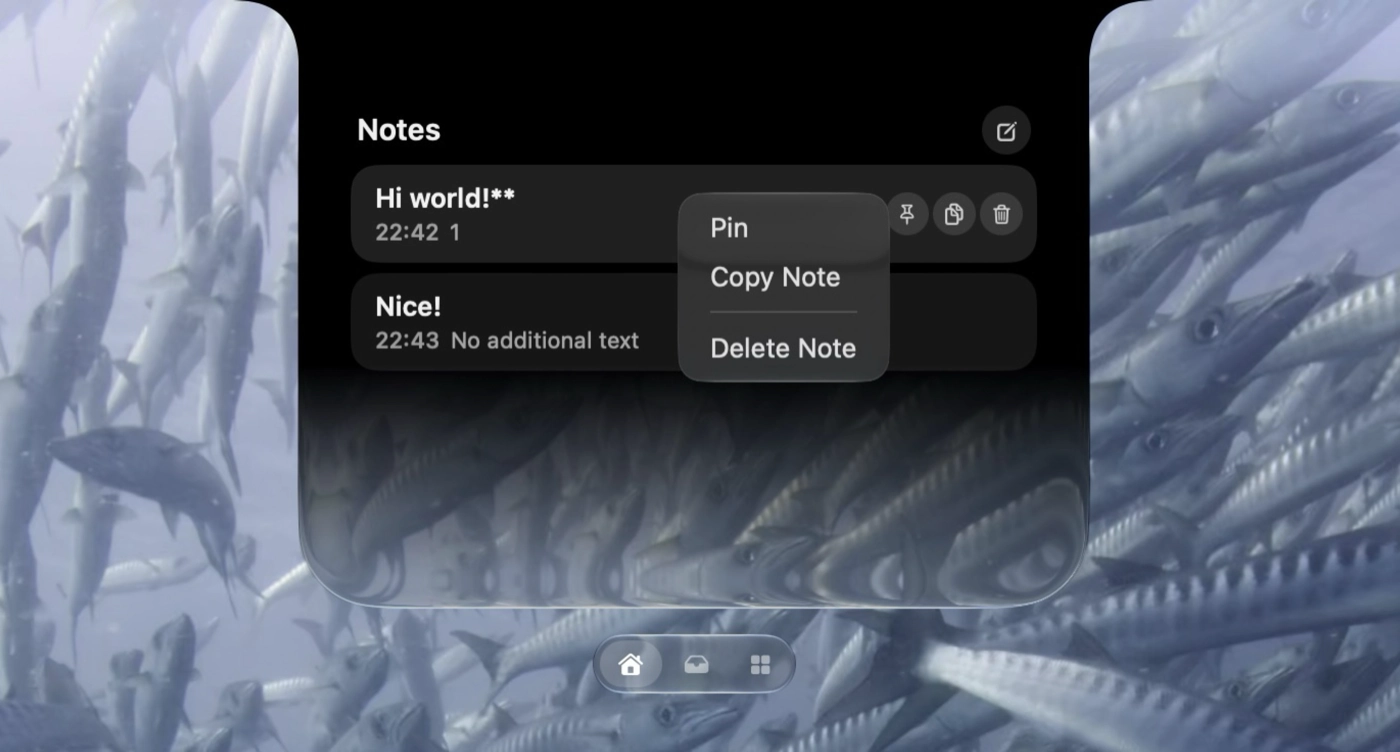
A second race hid behind the same symptom. If the note body arrived a beat after focus, the editor treated your real content as an outside change and stayed empty. Selection and content move together now.
The text view also reapplies its colour, caret and font when it joins a window, takes focus and receives the first character, and it sizes itself to the viewport before drawing.
The License page stopped crashing
Both crash reports ended in the code that trims transparent space from your Mac's artwork, which borrowed the bitmap pixels and let the drawing context go before the scan had finished. Some Macs tolerated that; the reported Mac16,10 and Mac16,12 did not.
I kept the real Mac render rather than swapping in a generic icon. The cropper owns its bitmap now, respects the row stride Core Graphics hands it, and refuses any scan it cannot fit.
A solo Media shelf keeps its width
Regular Buttons was reserving room for the widest possible left control and using that as a minimum for the whole Shelf, so a lone Media widget sat in a shell wider than its player.
Wide shelves look exactly as before. Beside a physical notch the home and tray actions switch to a compact layout with the count over the tray icon, so a large number can no longer push the Shelf outward.
I ran the Notes and License checks in optimized builds and under AddressSanitizer, then tested updating into this from both 14.1.1 and beta 2.