


This one grew well past its version number. The features were mostly there, but the pieces around them did not move together, so the beta went on making the top of the screen behave like one app.
After that I went back through the long tail of crashes and timing bugs that only turn up when two features meet.
One surface instead of several
The notch, Dynamic Island, Shelf and the smaller HUDs now share one center line, one set of timings and one settling motion. A card growing or handing control back should read as the same material changing shape.
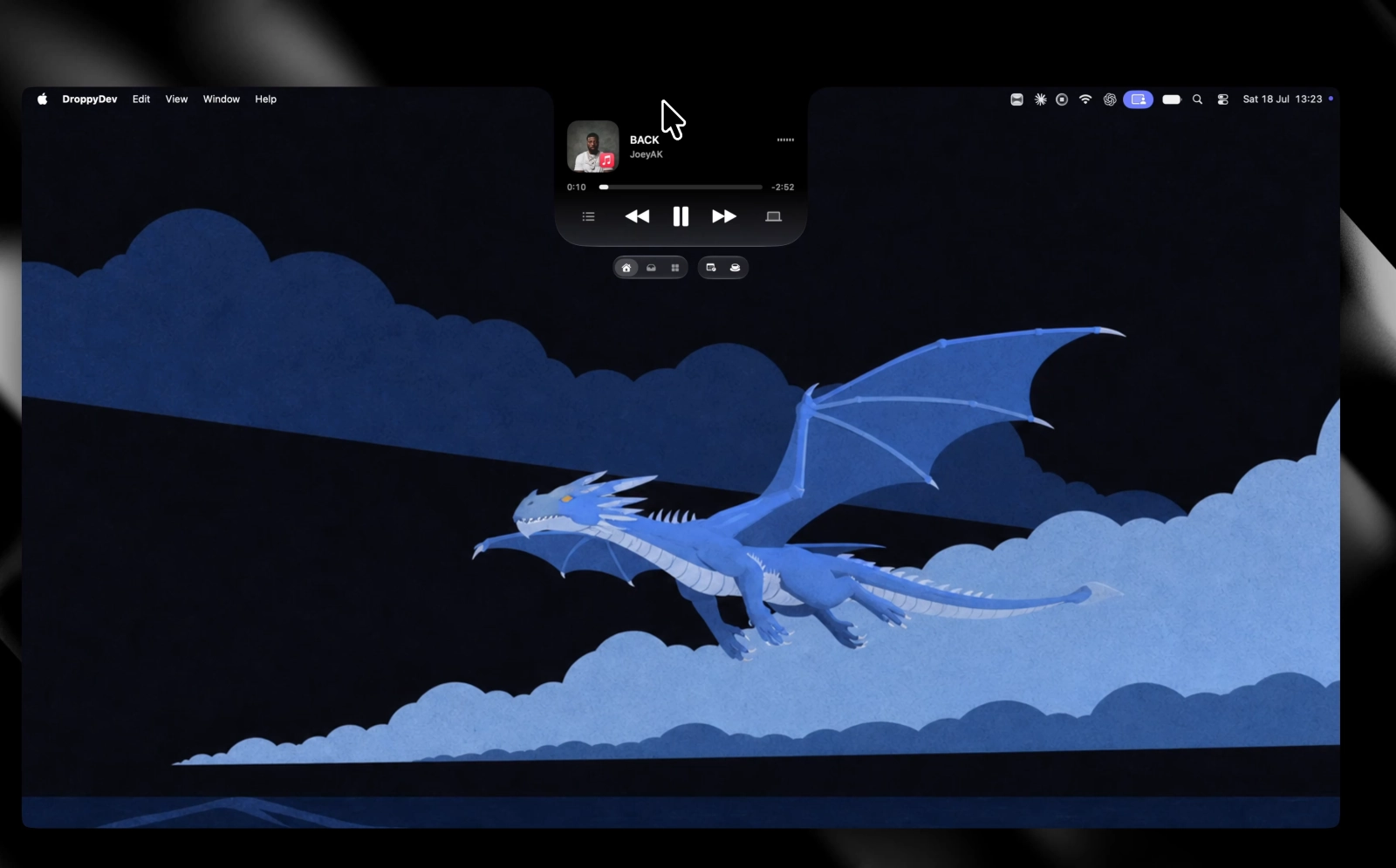
That pass also costs less than the old one. Repeated layout, preview, icon and drag work is gone, alongside another 170 small refinements.
A first run that shows the app
Onboarding is one guided scene led by the orb now, moving through the Shelf, Clipboard, Basket, Droplets and permissions instead of a stack of unrelated windows.
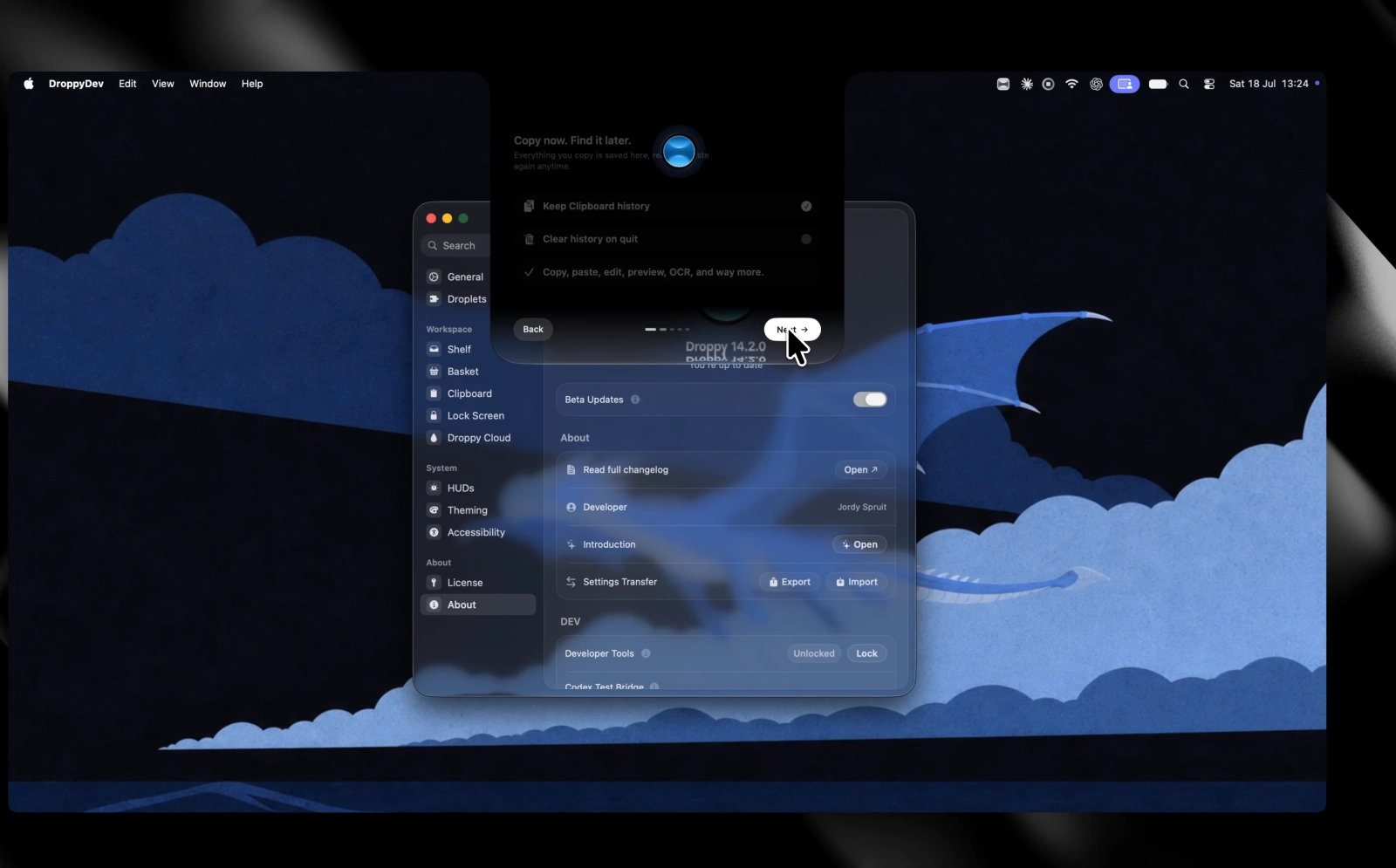
Licensing joins it. License, Trial and Purchase live in one compact picker, and Settings shows your key, email and activated Macs as a single tidy group.
Installing is nicer too, with a proper dark drag-to-Applications window, live download progress, and an automatic relaunch once the handoff is done.
New things you can do
Calendar events announce themselves and keep a compact live ring in the mini HUD, with one tap to open the meeting link. The ring starts and ends on the real event boundary.
High Alert keeps the Mac awake with the lid shut, shows clearly when it is on, and backs off on low battery.
Telegram joins iMessage and WhatsApp for quick replies, straight from a banner or the Notifications widget.
Smaller ones round it out: a richer update panel, screenshot grain, Spotify corner controls, Cloud deletion and a file-tray add button.
Fixes worth naming
A blank note sometimes needed a second click before it took typing, and could swallow the caret or your first characters. Focus lands in the editor now.
Under an unlucky sequence of incoming messages, an iMessage reply could go to the wrong conversation. The conversation identity now stays attached to the whole send.
Five macOS 27 crash paths are closed, and media got a correctness pass: the Apple Music queue follows the real Playing Next order, and artwork stays tied to its album and source.
There are 165 more fixes behind those, mostly stale state and small races that only show themselves on a Mac that is already busy.
If something still feels separate, slow or surprising, tell me before 14.2 goes stable.