


This beta is mostly about handing over controls I used to keep for myself. The Shelf, the file actions, Notes and the media card all bend a bit more to how you actually work.
The rest is quieter. The updater can put things back when an install fails, licenses are easier to manage across two Macs, and a handful of crashes are gone.
Your Shelf, your actions
You can now arrange up to four widgets directly on the expanded Shelf, in the same place you will be looking at them. Four positions is enough to make it yours without turning the notch into a dashboard.
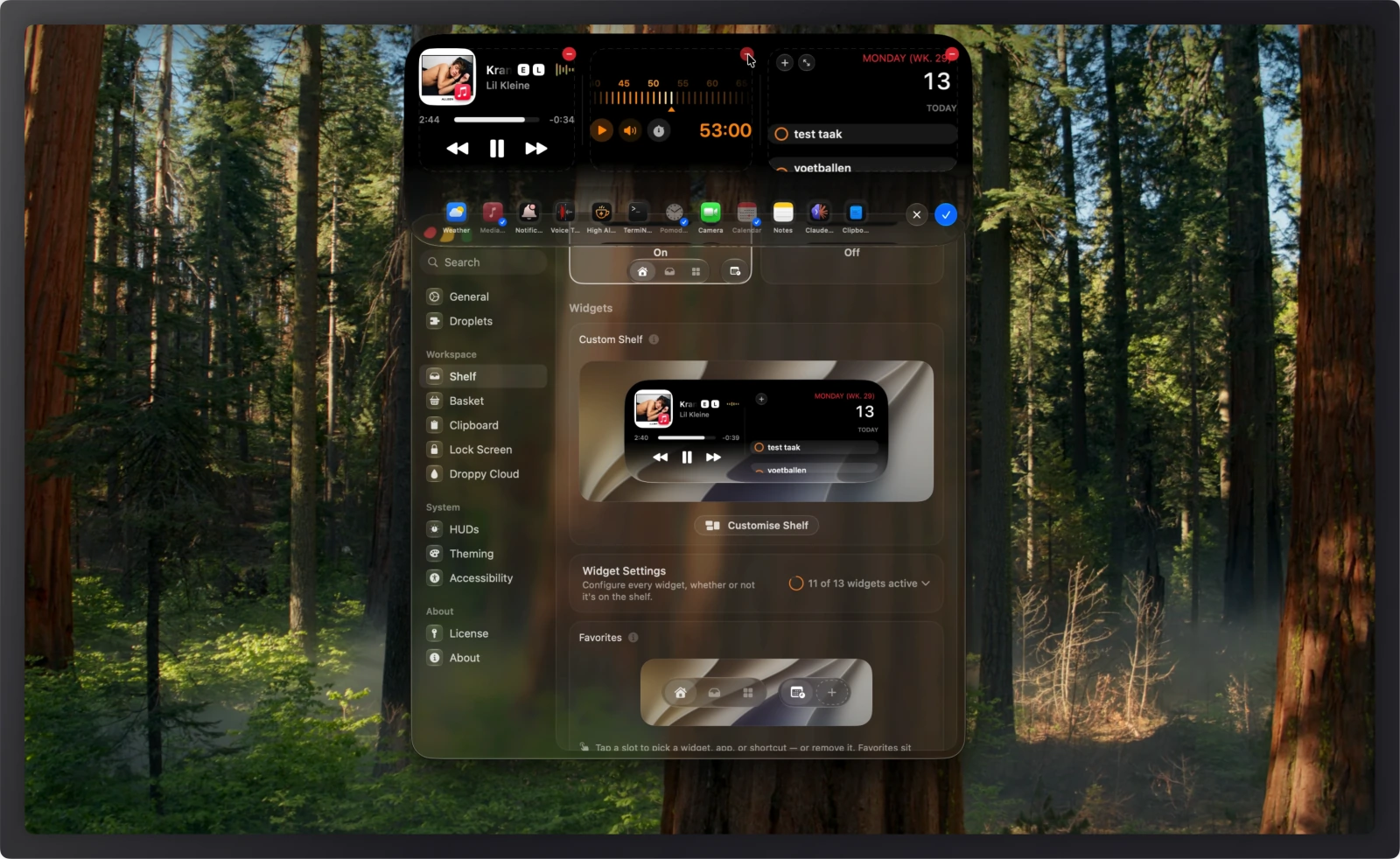
Quick Actions got an editor in Settings too. Keep between two and four of them, in whatever order you reach for them.
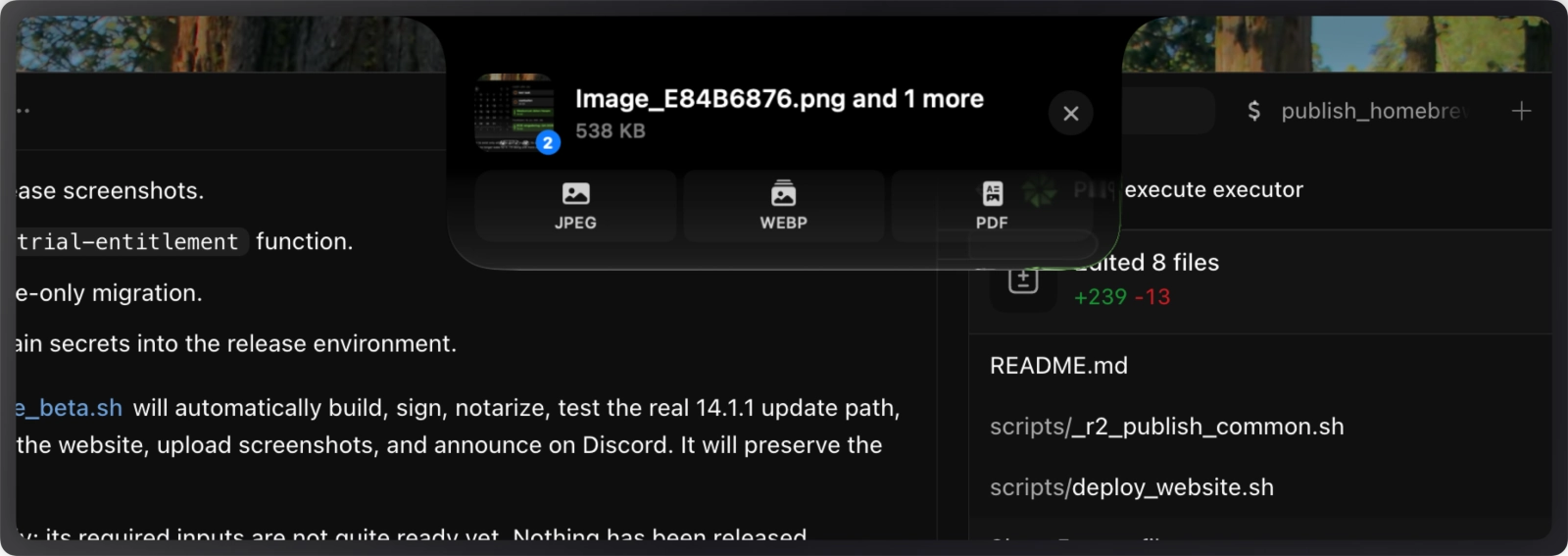
Convert is the newest one. Drop a file in from the Shelf or the Basket, pick a format that suits it, and the finished copy lands in Downloads.
Notes and Apple Music
Notes handles tables, checklists, lists, quotes and strikethrough now, and all of it survives the trip into Apple Notes.
The media card and Lock Screen show live artwork and audio quality, with the side buttons left up to you. Queue opens Playing Next, so you can see what is coming and move something up.
Artwork used to get stuck or attach itself to the wrong track when you jumped between Apple Music, Spotify and a browser. It follows the source now.
Safer underneath
Installing an update is transactional. If the new copy cannot install and verify itself, the updater puts the Droppy you had back.
Clicking Install twice no longer starts two updates at once, and switching channels no longer offers a build from the one you just left. Beta installs keep following later betas until you turn Beta Updates off.
License settings finally shows both Macs on your license, marks the one you are sitting at, and lets you detach the other. A rare Keychain miss that asked you to reconnect after a relaunch is fixed as well.
Five separate crashes are gone: PDF previews, oversized compression targets, very large to-do dates, sound-pack switching, and tracked folders on macOS 27.
The Shelf also got a motion pass across opening, closing and widget swaps, Settings is quicker and shows live previews while you tune things, and Droppy repeats less background work for media, notifications, clipboard previews, OCR and HUDs.
Install it below. I mostly want to know which four widgets you end up keeping and which Quick Actions you throw out.