


Droppy 14.2.0 is the release where the shelf becomes much more personal. I wanted it to work with the tools already around you, whether that means sending a file to a Windows PC, editing the same Markdown vault in Obsidian, or arranging the shelf around the widgets you actually use.
It is also the largest bug-fixing pass I have shipped. The four public betas were checkpoints, not the baseline: these notes cover everything since the exact previous stable release, Droppy 14.1.1.
Your files, wherever you work
LocalSend is now a proper Droppy droplet. It sends files directly over your local network to any phone, tablet, or PC running the free LocalSend app. There is no upload in the middle, and the receiver controls live beside the rest of your shelf tools.
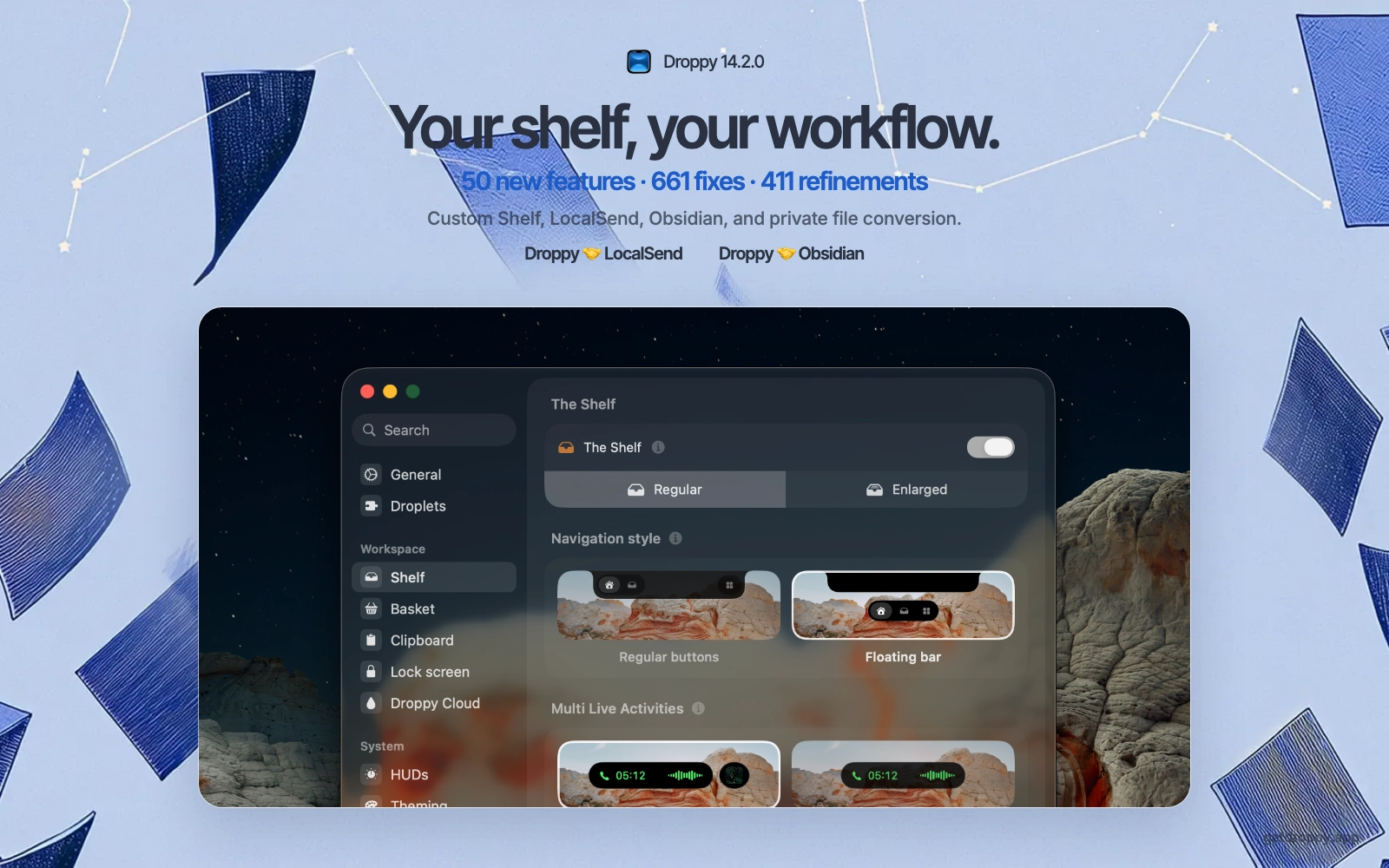
Obsidian gets the same first-class treatment. Pick a vault, open Markdown notes from the shelf, and edit the real files with live two-way updates. I moved it out of Notes so Apple Notes and Obsidian each have one clear home, while Converter handles private on-device video, audio, PDF, and Office conversions.
A shelf that fits you
Custom Shelf editing lets you place up to four widgets on the expanded shelf, while Quick Actions can be reordered around the jobs you use most. The wider 14.2 feature set also reaches onboarding, calendar live activities, Notifications, Agents, media controls, Droppy Cloud, and Dynamic Island.
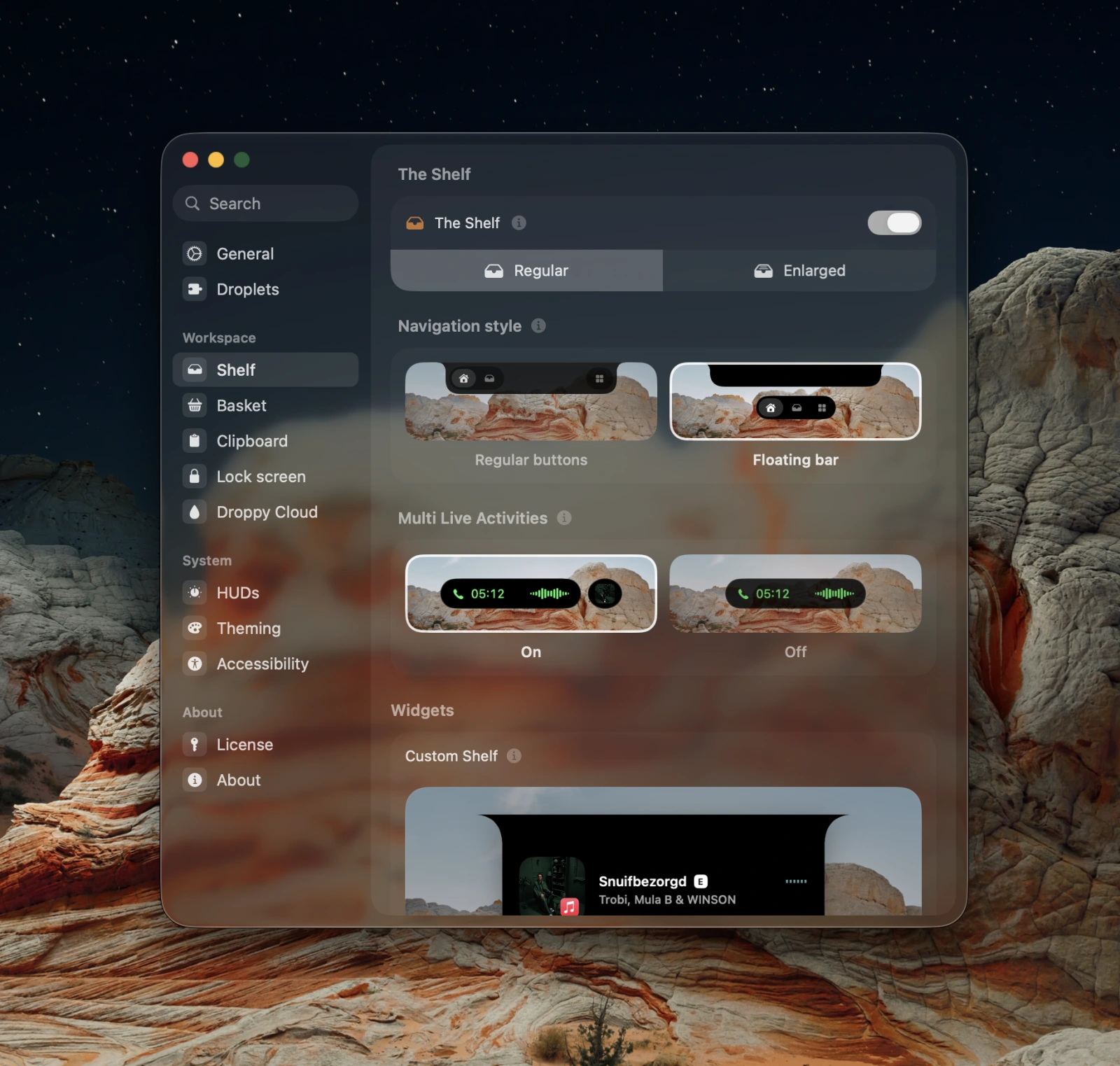
I reworked the motion around shelf opening, widget swaps, mini HUDs, and island interactions so those additions still feel like one system. Settings now does less repeated work, uses calmer cards, and turns previews into the actual picker controls. License settings also show clearer device details and make the other activated Mac easier to manage.
Fixing the failures that mattered
The Notes typing bug was the hardest one. On affected Macs the editor could beep, lose the caret, or ignore the first keys because its TextKit document root had already disappeared. I fixed the lifetime of that stack itself, so the document and input session stay alive together.
Updates now work from standard macOS accounts through the native administrator prompt, and installation is transactional so Droppy restores the previous verified app if anything fails. A validated license also keeps working for 30 days offline instead of putting the activation screen back in your way.
The rest of the pass covers crashes in previews, compression, tracked folders, Settings, media, helper installation, and macOS 27, plus hundreds of smaller fixes across the shelf, notifications, LocalSend, Converter, accessibility, and multiple displays. I kept polishing launch time, battery use, clipboard previews, artwork, Notes, Agents, and controls until the stable build felt settled.