


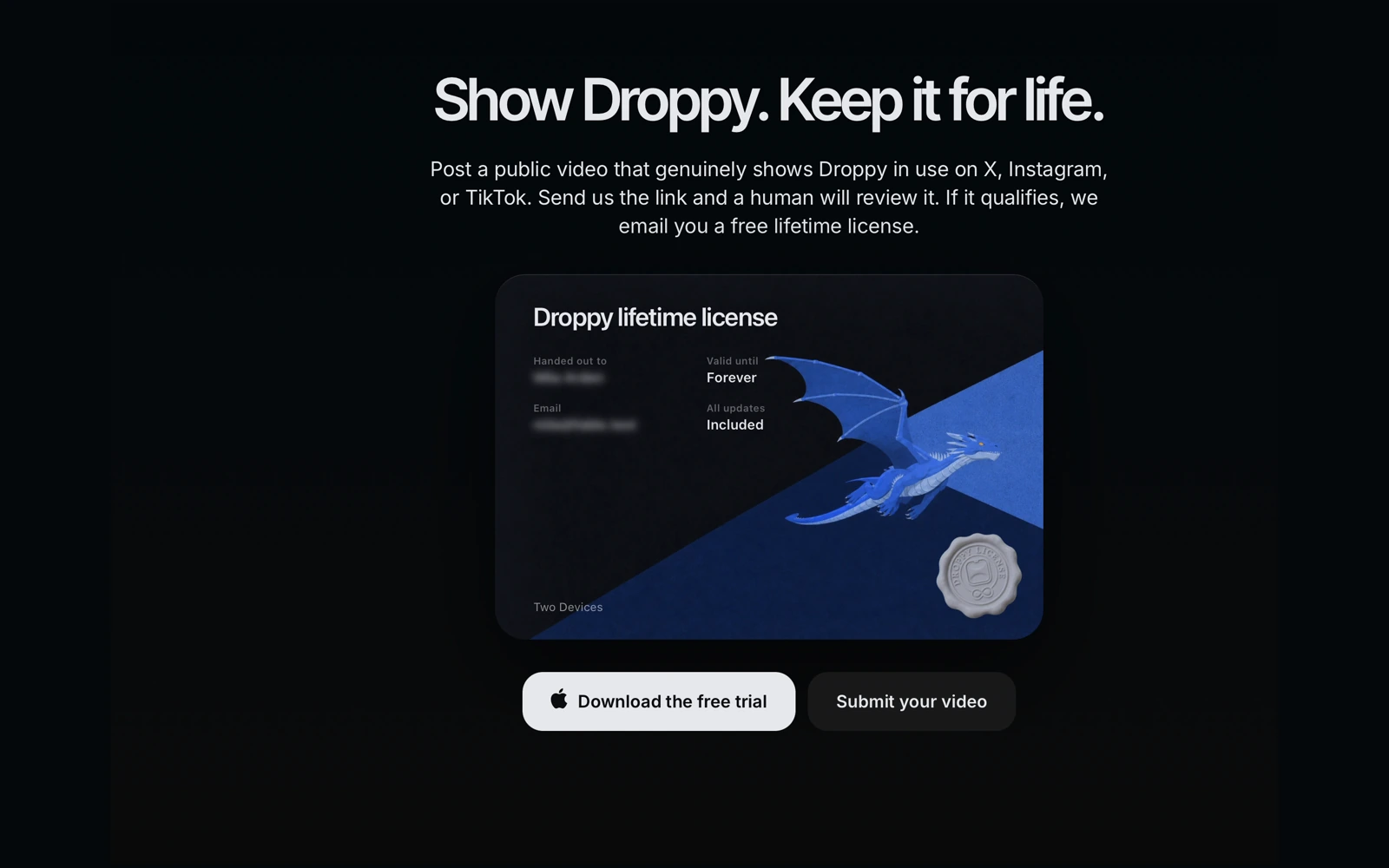
I would rather see Droppy in a real person's workflow than make another polished video that tells everyone what their workflow should look like. So I am trying something direct: make a genuine public video that shows Droppy in use, send me the post, and if it qualifies I will send you a Droppy lifetime license for free.
Why I am doing this
Droppy has grown into a lot more than the file shelf it began as. People use the top of their Mac for clipboard history, music controls, timers, notes, window snapping, file conversion, live activities, and a growing set of Droplets. A feature list can name all of that. It cannot show which part actually becomes useful in someone's day.
A real video can. It might show a designer keeping exports in the Shelf while moving between apps, a student pulling an older link from clipboard history, or someone using the media controls without reaching for another window. The video does not need a studio, a script, or a giant audience. It needs to make sense to someone who has never used Droppy before.
This is a fairer trade to me than paying for vague reach. You put real effort into showing the app clearly. If the post meets the terms, you get the complete app for life. I get a public example that comes from an actual person instead of from my own editing timeline.
What a genuine video means
The video has to show Droppy itself in use. A logo over music, a static screenshot with no explanation, or a post that only says the app exists is not enough. Open the app, use something you actually care about, and let the viewer see what happened. Screen recordings, camera videos, voiceovers, captions, and edited walkthroughs can all work. The format is yours.
You do not have to cover the whole app. In fact, one clear use is usually better. Show how the Basket holds a project pile, how a quick conversion gets a file into the right format, or how you keep a timer visible at the top of the screen. If somebody can finish the video and understand why that moment helped, it is doing its job.
Keep it honest. You can say what you like, what surprised you, and what you would still change. This is not a request for a forced five-star review. It is a request to show the real product clearly enough that another Mac user can judge it for themselves.
Where to post it
The supported platforms are X, Instagram, and TikTok. The post must be public when you submit it so it can be reviewed without asking you to approve a follow request or share private account access. Send the public post URL, not a draft, a private message, or a file upload.
The post also needs a suitable Droppy link or mention. Linking to getdroppy.app is the clearest option because it gives people somewhere useful to go. A clear written mention of Droppy can work too. The point is that someone who finds your video should be able to identify the app instead of having to guess what they watched.
Your audience size does not decide it
There is no follower minimum. A clear video from an account with twelve followers can qualify. A vague post from a huge account can fail. I am reviewing the work itself: does it genuinely show Droppy, is the post public on a supported platform, and does it include a useful link or mention?
I want this to be possible for someone making their first product video, not only for people who already call themselves creators. Use the account you normally use. Do not buy views, copy somebody else's video, or turn the post into engagement bait. None of that makes the demonstration more useful.
What happens after you submit
Open getdroppy.app/social-license and send two things: the public post URL and the email address you want attached to the license. That email is where the license will be delivered if the post is approved, so check it carefully before submitting.
A person reviews the submission against the same published terms. Approval is not automatic, and submitting a URL does not issue a license by itself. I am deliberately not promising a review time. The point of human review is to look at the actual video and the actual public post, not to race a timer.
If the post does not qualify, you can use the feedback to correct that same public post and submit it again where the form allows. Do not submit a different person's work or several versions of the same claim. The offer is one claim and one license per person.
What the approved license includes
An approved post earns one Droppy lifetime license. It activates Droppy on two Macs and includes all future updates. It is the same lifetime access that people buy from the website, with no subscription and no smaller feature set.
The license is for the person who made and submitted the post. One person cannot collect several licenses by posting the same clip to every supported platform or by sending several email addresses. Pick the public post that shows your work best and make one claim.
The approved post needs to remain public for at least three months. That is long enough for it to be a real public contribution instead of a temporary review screen, while still giving you control over your account later. Deleting it, making it private, or hiding it before those three months breaks the condition of the offer.
There is no follower target and no end date to chase
I am not setting an end date here, and I am not inventing scarcity around it. If the terms ever change, the current form and this article are where I will make that clear. Until then, take the time to make something that genuinely shows the app instead of rushing out a post because a countdown told you to.
If you have not used Droppy yet, download the free trial and find one part that fits how you already work. Record that. The best video is not the one that sounds most like an advertisement. It is the one where another person can watch your Mac for a moment and immediately understand why you kept Droppy there.